
I continued experimenting in Blender except this time I tried out the mirror modifier and using tools inside of Edit Mode since I have already covered Object Mode.
Mirror Modifier
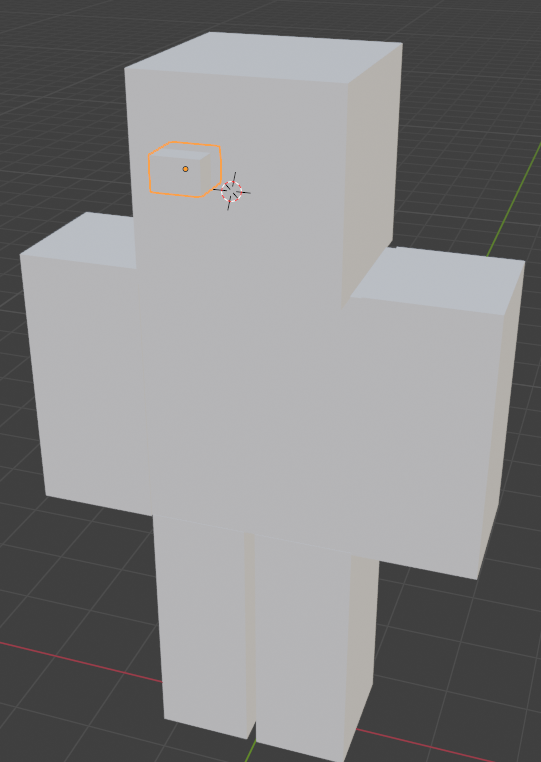
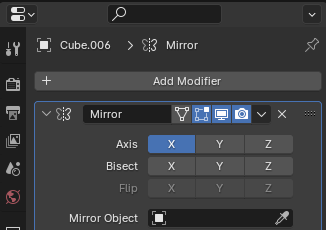
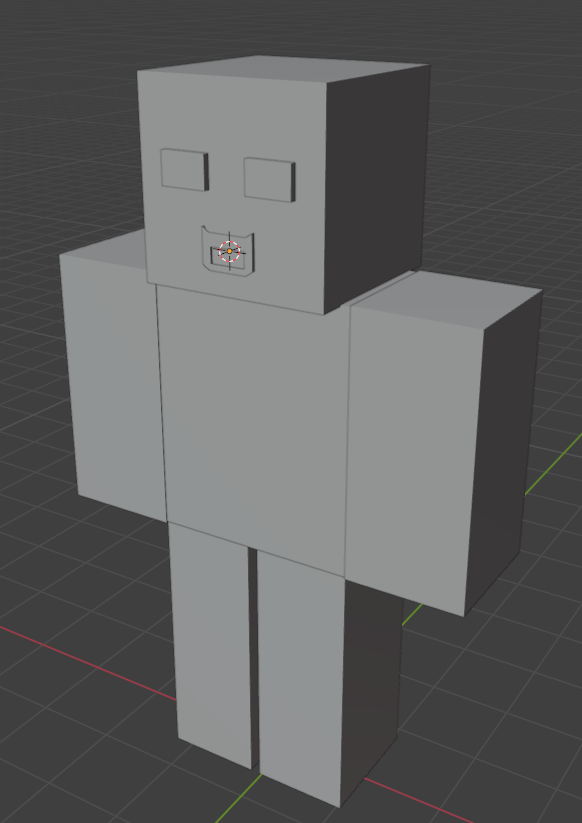
As an example I created a model using basic shapes then using Shift + Right Click to move the 3D cursor to where the head is and used Shift + A to add another object that is placed next to the head which would become the eye. After, I applied the mirror modifier to the head and selected the eye before using the eye dropper underneath the Z axis where it says “Flip”, inside the box for “Mirror Object”. The result should look like the image below:
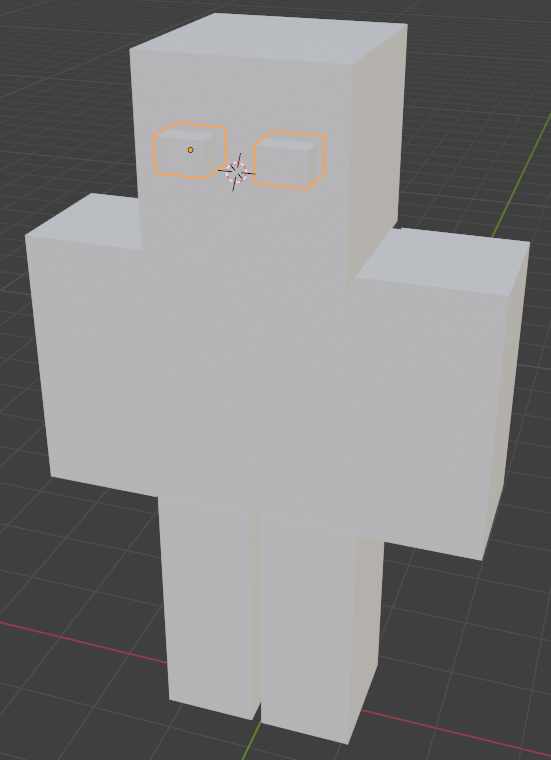
Local View
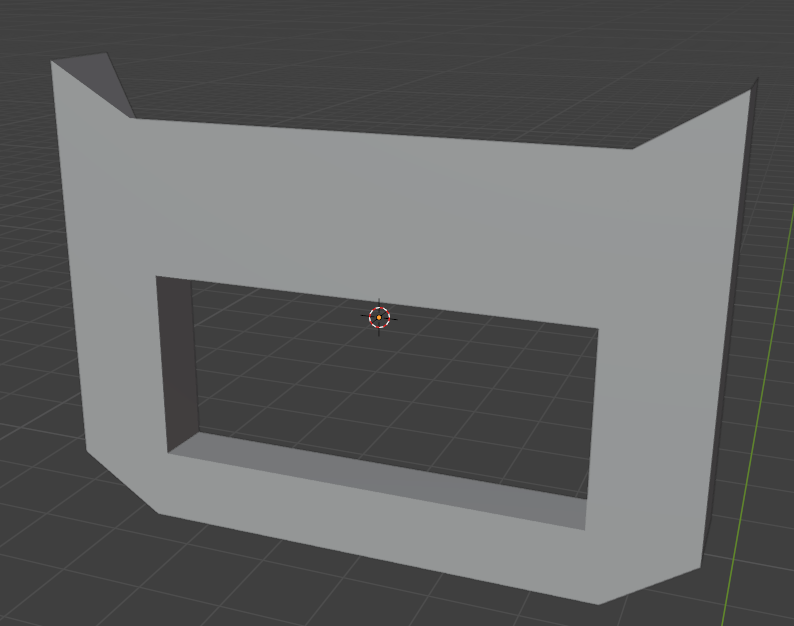
I can also switch to a different view of an object called local view which allows me to zoom in and navigate around a selected object without other objects being in the way of the view. I used the keyboard shortcut forward/up arrow (^) + slash key (/) on the number pad and then backward/down arrow + slash key to return the view to how it was just like the image below:
Edit Mode
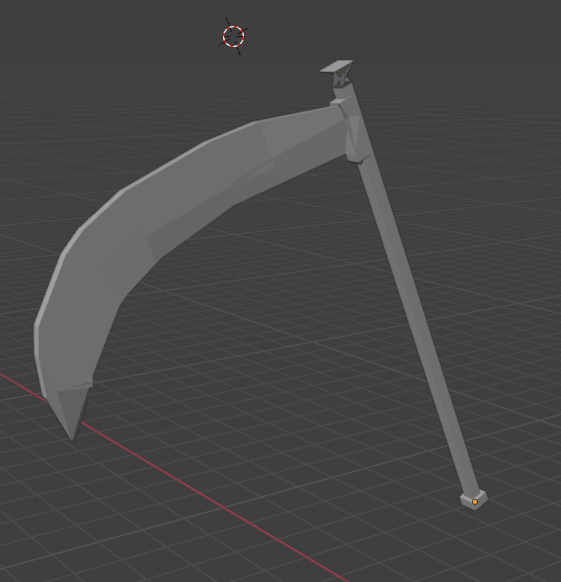
In Edit Mode, I began experimenting with extruding and bevelling objects using the skills that I have already learnt from my first time using Blender and ended up creating something like a scythe as shown in the image below:
Reference to tutorials:
Part 3: Grant Abbitt. (2021). Blender 3 – Complete Beginners Guide – Part 3 – The Old Man. [Online]. YouTube. Last Updated: 7 December 2021. Available at: https://www.youtube.com/watch?v=zt2ldQ23uOE&list=PLn3ukorJv4vuU3ILv3g3xnUyEGOQR-D8J&index=3 [Accessed 27 February 2024].
Part 4: Grant Abbitt. (2021). Blender 3 – Complete Beginners Guide – Part 4 – Edit Mode. [Online]. YouTube. Last Updated: 8 December 2021. Available at: https://www.youtube.com/watch?v=iSHMlLSzsrk&list=PLn3ukorJv4vuU3ILv3g3xnUyEGOQR-D8J&index=4 [Accessed 27 February 2024].
 Jamie Norris