
After finishing the Unreal Engine project for my client, I wanted to try experimenting in Blender to learn what other features that there are apart from the Edit Mode. I also learnt different keyboard shortcuts to help me move objects and transform objects such as:
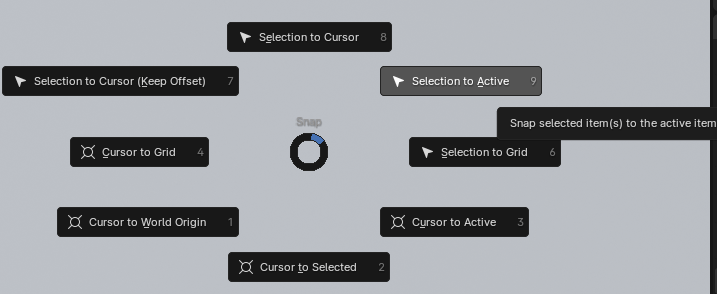
- Shift + S – creates a pop up that allows you to move your cursor to the world origin or objects
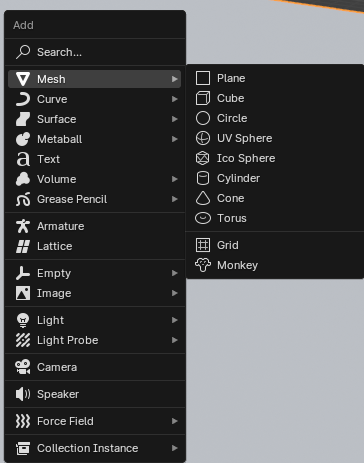
- Shift + A – shortcut to add objects to a scene
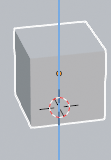

- G + X – allows you to grab objects and move them on the X axis (red)
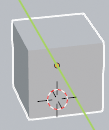
- G + Y – allows you to grab objects and move them by the Y axis
- (green)
- G + Z – allows you to grab objects and move them by the Z axis (blue)
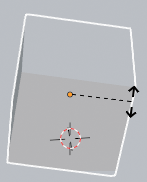
- R – rotates an object and you can click anywhere once for it to stay still.

- S – scales an object and you can click anywhere once for it to stay still.
There are also keyboard shortcuts on the number pad such as:
- 1 – front view
- 3 – side view
- 7 – top view
- 0 (zero) – camera view
- Period key – zooms in on selected object
Shading Workspace (Materials)

I experimented with creating basic materials in Blender by switching from the Layout workspace to the Shading workspace and changing the basic colour such as red and green.
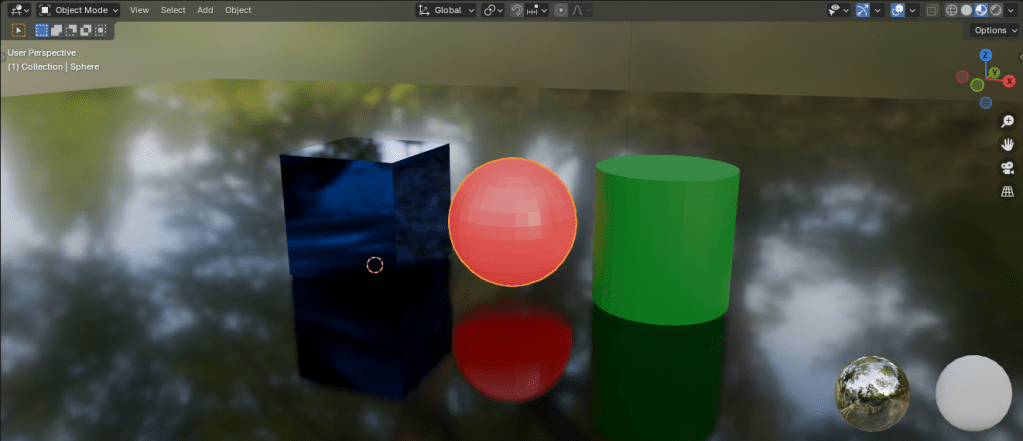
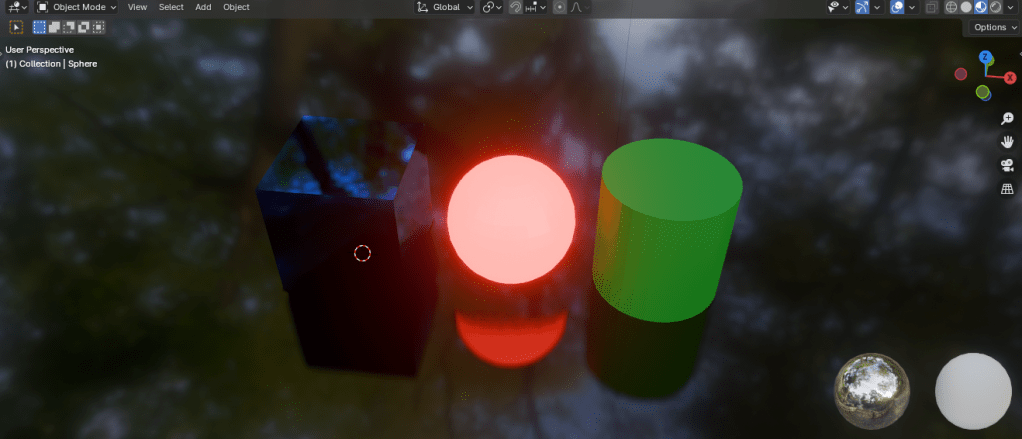
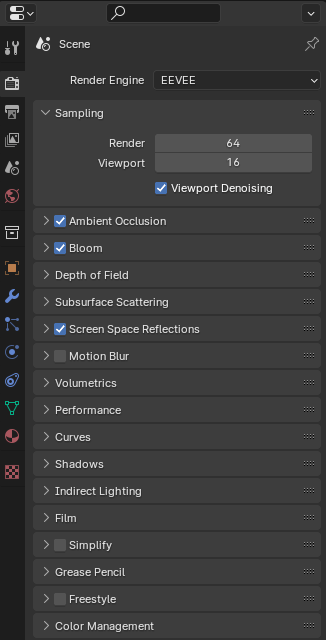
I also experimented with adjusting how rough and metallic an object is as well as enabling screen space reflections, ambient occlusion and bloom to show what objects would look like using the basic render engine named “Eevee”.
Here is a render of the scene:

I added emissive colour to the rest of the shapes I have placed in the scene and this is the result of it when using the “cycle” render engine instead of the Eevee render engine.
Reference to tutorials:
Part 1: Grant Abbitt. (2021). Blender 3 – Complete Beginners Guide – Part 1. [Online]. YouTube. Last Updated: 5 December 2021. Available at: https://www.youtube.com/watch?v=jnj2BL4chaQ&list=PLn3ukorJv4vuU3ILv3g3xnUyEGOQR-D8J&index=1 [Accessed 27 February 2024].
Part 2: Grant Abbitt. (2021). Blender 3 – Complete Beginners Guide – Part 2 – Materials & Rendering. [Online]. YouTube. Last Updated: 6 December 2021. Available at: https://www.youtube.com/watch?v=g5lHlUB66r0&list=PLn3ukorJv4vuU3ILv3g3xnUyEGOQR-D8J&index=2 [Accessed 27 February 2024].
 Jamie Norris