
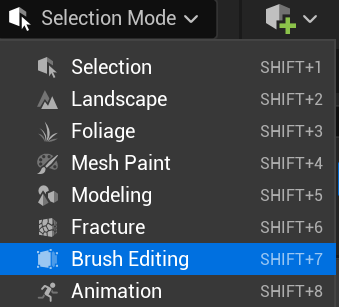
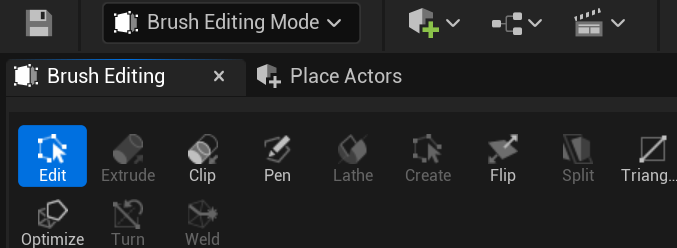
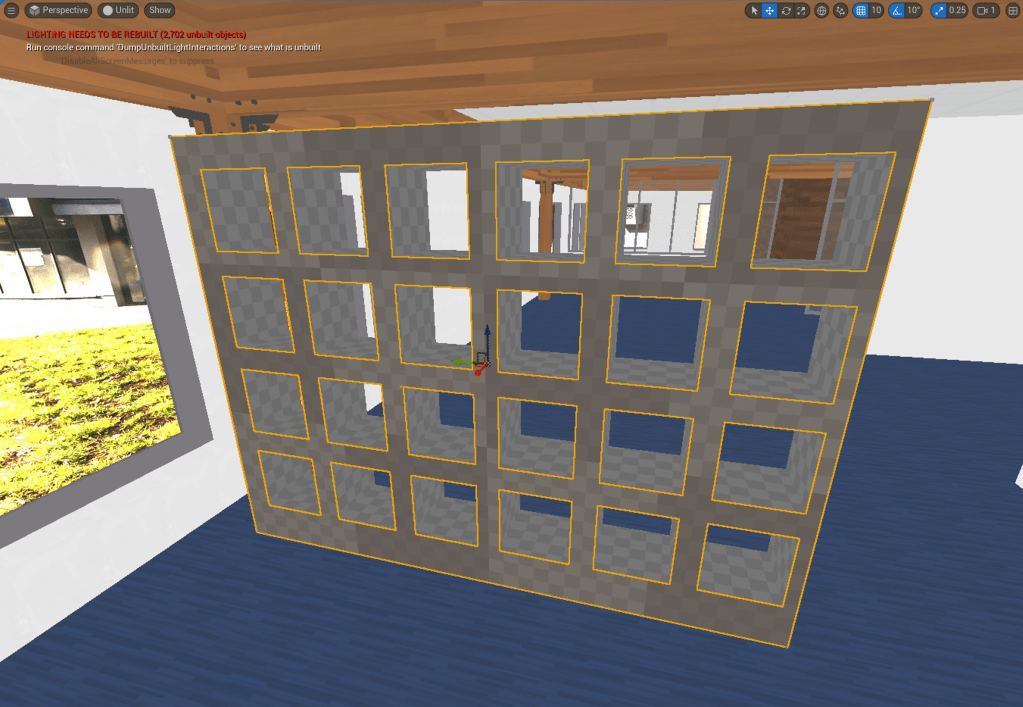
After learning the basic movement keys and shortcuts to navigate around the environment, I learned about the brush editing mode that would allow me to edit different geometric objects such as boxes, stairs, cones, cylinders and spheres. I began with editing boxes using the brush editing tool to change its width, length and height to create an object such as a shelf. I made a few boxes subtractive so that it can create holes.
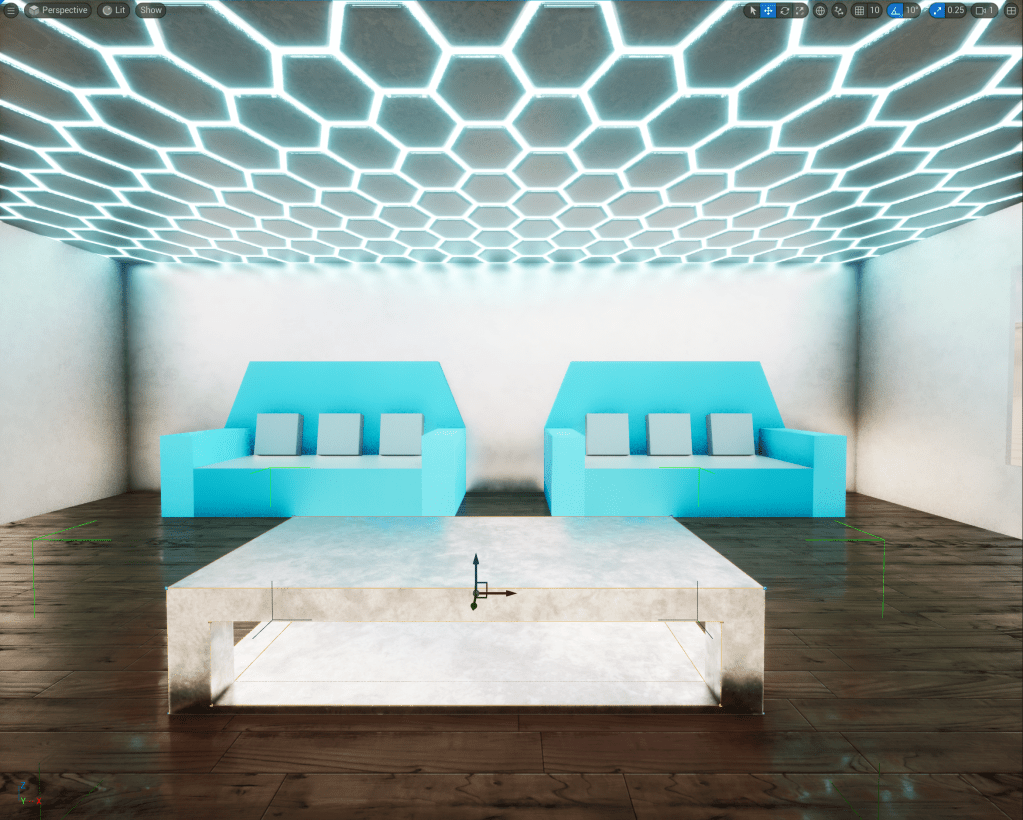
Next, I began creating furniture to place inside the house such as sofas and tables using the brush editing tool and added textures from the starter content section in the content drawer for a nice touch.
 Jamie Norris